Page summary
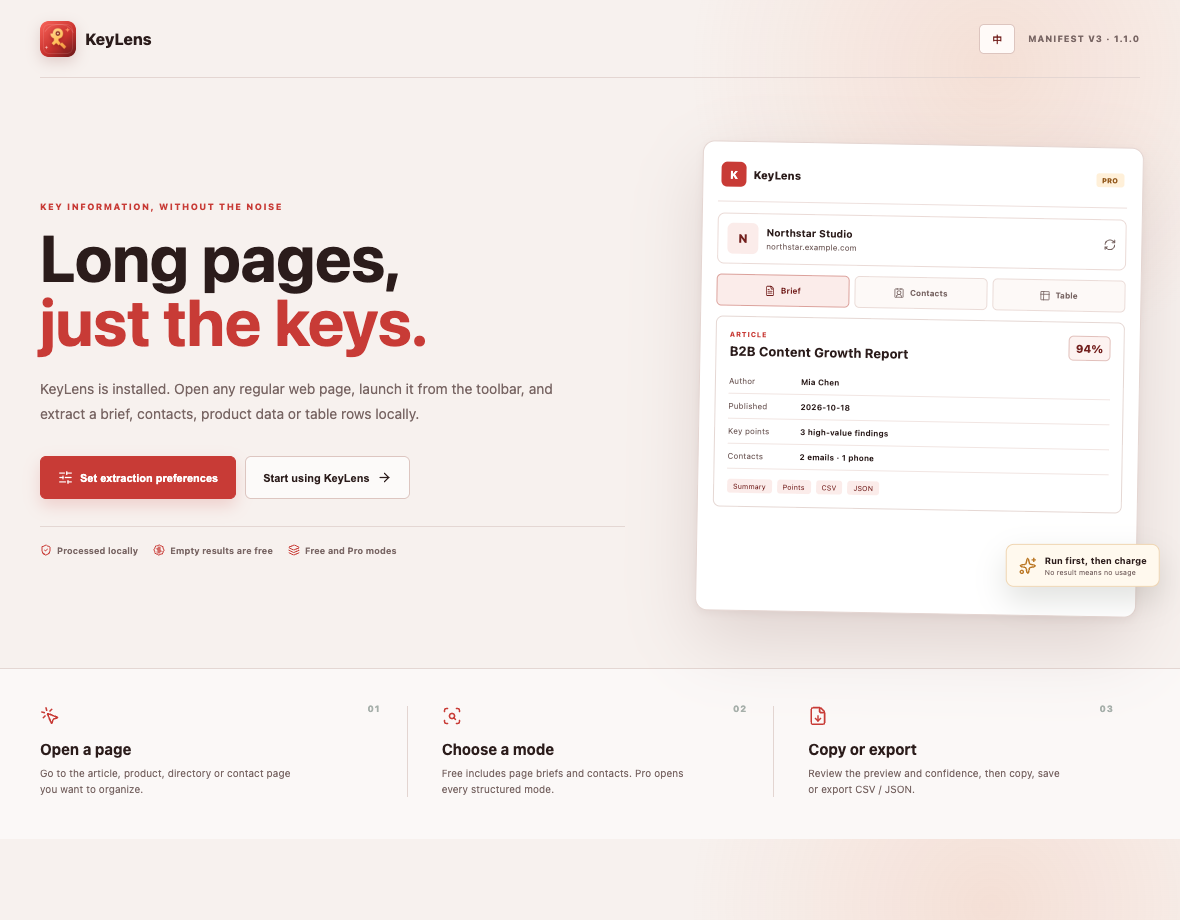
Capture the title, summary, key points, author, date and source from an article.
Web information extraction

Long pages, just the keys.
KeyLens turns the page you are already reading into a reviewable set of fields, tables and source links. Free tasks stay useful; Pro adds wider workflows.
Capabilities
KeyLens combines page-type detection, local parsing and structured output in one browser workflow.
Capture the title, summary, key points, author, date and source from an article.
Extract articles, products, contacts and list tables with field-level structure.
See fields, row counts and confidence before you copy, save or export anything.
Copy results or export CSV. Pro adds JSON output and a searchable local history.
Workflow
The process stays inspectable from the first page read to the final export.
Identify whether the page is an article, product, contact or list.
Parse visible fields, repeated rows and source links on the device.
Check the result shape, row count and confidence before acting.
Copy, save to history or download the result as CSV or JSON.
Plans
The free tier completes real tasks. Pro adds broader page modes, higher limits and batch workflows.
A practical local extractor for routine pages.
More structure, more volume and multi-tab workflows.
Boundaries
The interface makes processing location, limits and extraction confidence visible.
Page text and extraction results stay in the browser. No remote AI service is required.
Empty results are not charged, and complex dynamic pages may return only part of the structure.
Manifest V3 and zero-build files make the extension straightforward to inspect and load.
Get KeyLens from GitHub, load the extension folder in Chrome and start with a page brief.